
💡 Introduction: Two Tools, Two Different Jobs
If you are looking at AI video tools, you have probably seen these two names come up repeatedly: Pictory and InVideo. Both promise to turn text into video, and both have strong reputations. But they serve very different purposes, and choosing the wrong one means adding extra work to your process rather than simplifying it.
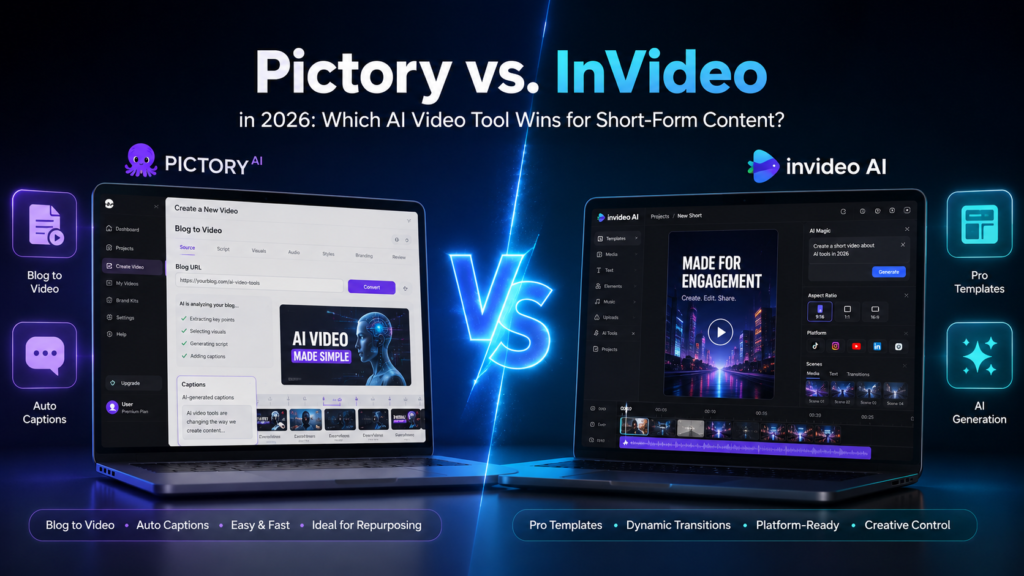
Here is the core distinction: Pictory is a repurposing machine. InVideo is a creation machine.
If you already have a blog post, script, or article and want to turn it into a short clip quickly, Pictory is built for that. If you have an idea or topic and want to build a video from scratch with a polished, branded look, InVideo is the better fit.
I tested both tools side by side to see where each one wins, and the gap is wider than you might expect.
🎯 The Core Difference: Repurposing vs. Creation
What Pictory Is Built For
Pictory excels at one specific task: taking existing content and repurposing it into video. It accepts a wide range of inputs: blog URLs, scripts, audio files, presentations, images, and even screen recordings. Once you feed it material, it analyzes the content, breaks it into scenes, matches visuals from a stock library, adds captions, and generates voiceover.
The focus is speed and automation. If your team produces a lot of written content—blog posts, training docs, whitepapers—and you want video versions without rebuilding each one from scratch, this workflow is designed for that. One user case study reported that after switching to Pictory, they reduced video creation costs and time by 500% and saw a 10% increase in blog click-throughs within three months.
What It Excels At:
- Blog-to-video conversion
- Webinar and podcast summarization
- Highlight reels from long recordings
- Automated captions with 95%+ accuracy in 93 languages
- Quick turnaround—first clean draft in minutes
What InVideo Is Built For
InVideo starts from a different place. Instead of repurposing existing material, it builds videos around your idea or topic. You type a prompt or script, and it generates a complete video with visuals, voiceover, captions, and pacing.
It has a massive template library (5,000+ designs) and over 16 million royalty-free stock assets. Recent updates include integration with OpenAI’s Sora 2 and Google’s VEO 3.1, making it one of the few platforms to bundle both models into a standard subscription.
What It Excels At:
- Prompt-to-video creation
- Marketing and promotional content
- Platform-specific templates (social ads, YouTube intros, Reels)
- More polished, cinematic output
- Extensive customization and branding options
📊 Head-to-Head Comparison
⚔️ Where Each Tool Wins
Where Pictory Wins
Blog-to-Video Accuracy
I ran the same 800-word blog post through both tools. Pictory finished in under four minutes with accurate scene breaks and captions that actually matched the content. InVideo struggled to process it, generated a confusing script that barely resembled the original, and produced a video that missed half the key points.
Speed and Automation
For repurposing existing content, the efficiency gap is clear. Pictory automates the heavy lifting: paste a script or URL, and it picks scenes, visuals, and captions for you. First draft lands in minutes with minimal editing.
Caption Quality
Pictory generates captions with 95%+ accuracy in 93 languages. In testing, 40 auto-generated captions had only 3 errors across the entire batch.
Voiceover Quality
Pictory’s AI voices sound more natural and offer a wider range of accents compared to InVideo’s default voiceover.
Where InVideo Wins
Templates and Creative Range
InVideo offers 5,000+ templates versus Pictory’s roughly 100. For someone who wants to start with a visual layout and work backward, that range matters.
Output Polish
InVideo produces more polished output: better stock footage selection, more dynamic transitions, and stronger text-overlay animations. Pictory output is functional and clean but visually more basic.
Generative AI Models
InVideo has OpenAI’s Sora 2 and Google’s VEO 3.1 built directly into its pipeline, generating cinematic, physics-aware clips from a prompt. Pictory relies on its own Gen AI visuals, which are strong for matching stock to a script but not built for cinematic text-to-video generation.
Voice Cloning
InVideo offers voice cloning from a 30-second sample (up to 5 clones on the Max plan), which Pictory does not currently offer.
Team Collaboration
InVideo provides stronger collaboration features for teams and agencies.
💡 Who Is Each Tool For?
Choose Pictory If:
- You already produce written content (blogs, articles, scripts) and want video versions
- Your goal is to repurpose existing content efficiently, not create from scratch
- Speed and automation matter more than polished, distinctive visuals
- You need reliable auto-captions for social media videos
- You want a simple, fast workflow without learning complicated editing software
The Tradeoff: Channels using Pictory can look like they are using Pictory—the same stock library, the same B-roll. Building a distinctive visual identity takes extra effort.
Choose InVideo If:
- You are starting from zero with an idea or topic and need a complete video
- You want polished, platform-specific templates (social ads, YouTube intros, Reels)
- Creative control and branding customization are important
- You need voice cloning capabilities
- You are working with a team that needs collaboration tools
The Tradeoff: More control costs time. Expect to spend longer in the editor on intros, thumbnails, and platform-specific tweaks.
🎯 The Bottom Line
Neither tool is better overall. They are built for different jobs.
Pictory is the right choice if you already have content and want video versions without starting from scratch. Its blog-to-video accuracy is unmatched, captions are reliable, and the workflow is fast.
InVideo is the right choice if you are building videos from ideas and want polished, branded results for marketing campaigns, social media, or YouTube.
The best way to decide is to test both with your actual workflow. They have free tiers available. Use the same script, the same prompt, or the same source material in each, and measure which one gets you to a usable result faster.
Ready to try Pictory?
Start creating videos from your content:
👉 Try Pictory for Free
AI Shortcut LAB – Your Shortcut to the Best AI Tools.